



Product details
Android Privacy Guide
Your smartphone holds a lot of personal information—from messages and photos to banking apps and passwords. This Android Privacy Guide will show you simple but powerful ways to protect your data, maintain your privacy, and stay secure while using your Android device.
1. Review App Permissions Regularly
Many apps request access to your camera, contacts, location, and more.
What To Do:
- Go To Settings > Privacy > Permission Manager
- Disable Permissions That Aren’t Necessary
- Only Allow Access While Using The App
2. Use Strong Screen Lock Security
Your first line of defense is your lock screen.
Best Options:
- Fingerprint Unlock
- Face Recognition
- Strong PIN Or Password
3. Enable Two-Factor Authentication (2FA)
Protect your accounts with an extra layer of security using Two-Factor Authentication.
Why It Matters:
Even if someone gets your password, they won’t access your account without the second verification step.
4. Keep Your Android Updated
System updates often include security patches.
Tip:
- Go To Settings > System > Software Update
- Always Install The Latest Updates
5. Manage Google Privacy Settings
Your Google account controls a lot of your data.
Use Google Account To:
- Turn Off Location History
- Manage Ad Personalization
- Review Activity Tracking
6. Avoid Public Wi-Fi Risks
Public Wi-Fi can expose your data to hackers.
Stay Safe By:
- Avoiding Sensitive Transactions On Public Networks
- Using A VPN Like NordVPN
7. Download Apps From Trusted Sources Only
Only install apps from Google Play Store.
Avoid:
- Unknown APK Files
- Suspicious Third-Party Websites
8. Turn Off Location When Not Needed
Apps tracking your location can affect your privacy.
Tip:
- Disable Location Services When Not In Use
- Use “Only While Using App” Setting
9. Encrypt Your Device
Most modern Android devices come with built-in encryption.
Why It Matters:
It protects your data even if your phone is lost or stolen.
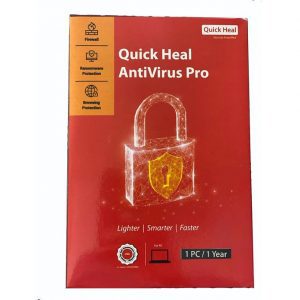
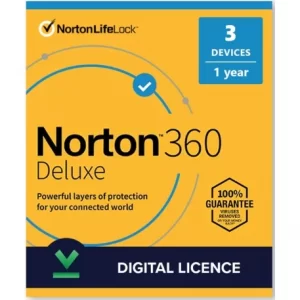
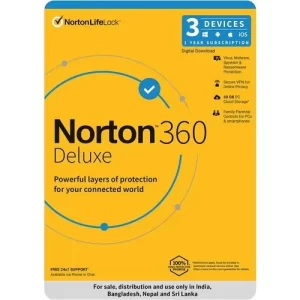
10. Use A Reliable Security App
Install trusted antivirus apps like Avast Mobile Security for:
- Malware Protection
- App Scanning
- Privacy Alerts
Conclusion
Protecting your privacy on Android doesn’t require advanced skills—just consistent habits. By managing permissions, securing your device, and staying aware of risks, you can keep your personal data safe.
👉 For more tech tips, gadgets, and secure devices, visit Ukamart.com, download the Ukamart app, and stay connected with us on social media!












There are no reviews yet.